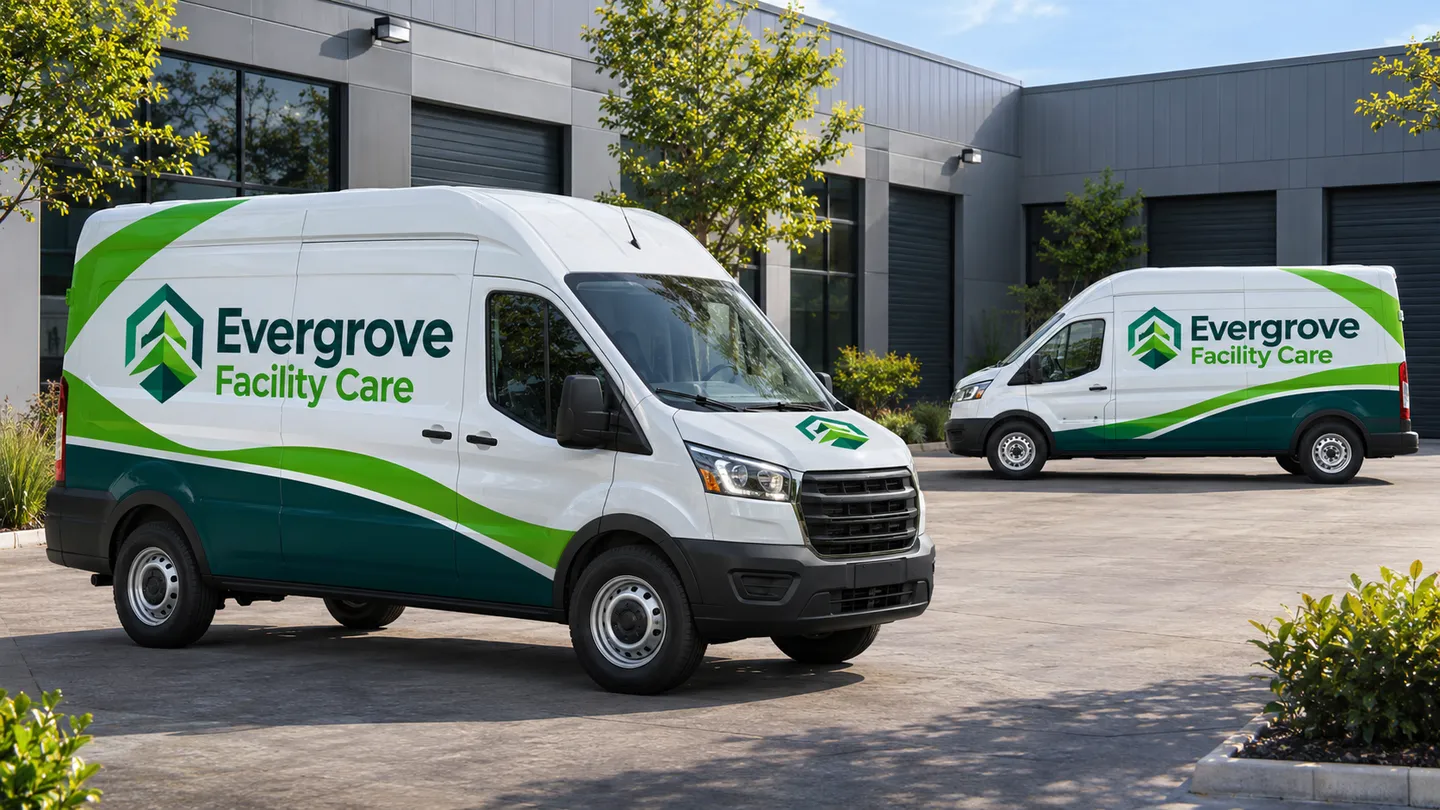
Record the installed identity, not the intended one
Give each vehicle a stable unit identifier and photograph both sides, the rear and any other branded areas. Read the graphics as a customer would: business name, service wording, telephone, web address and branch details. Transcribe what is actually installed rather than copying the old brand manual. An audit may reveal that a newer vehicle already carries the target identity while an older unit has a local variation nobody included in the project count. Keep those exceptions visible.
- Label photos with the unit and view.
- Record every installed contact variation.
- Separate observed details from staff recollections.
Keep removal questions separate from design choices
Photograph existing damage, lifted film, seams and areas showing earlier repairs. Record known film and installation references when available, but mark missing history as unknown. The rebrand tracker is a record of decisions; it cannot establish whether old material can be covered or what condition will be found beneath it. Ask the proposed supplier to identify any assessment needed before the business relies on a removal scope, surface result or replacement date.
- Record known repaint or body repair history.
- Flag uncertain substrates for assessment.
- Ask who documents condition before removal.
Turn the audit into an action list
Sort the units into practical groups: identity already correct, replacement required, information incomplete, or condition review required. Assign an owner and next action to every exception. A unit with new wording but an unapproved logo should not be marked finished. Keep the original audit alongside later updates so a reviewer can see what changed. The output should explain why each vehicle is ready, waiting or excluded, rather than simply show a fleetwide percentage.
- Keep excluded vehicles in the register with a reason.
- Give unresolved records a named owner.
- Retain the starting photos with the final unit record.
Keep a working record
Before you approve the next step
- Assign a unit ID before collecting images.
- Transcribe the installed wording and URL.
- Identify which brand version is current.
- Record missing history without estimating it.
- List condition questions requiring supplier review.
- Attach a next action to every exception.
Use the free planning tool to organize the details you can confirm and the questions still open.
Four questions before the next step
Should matching vehicles be audited as one group?
They can share a proposed design group, but verify each unit’s installed identity and condition. Identical model names do not prove that the graphics, repairs or contact details are identical.
Read the detailed guide: Audit old fleet graphics before approving replacements
Does the audit approve removal?
No. It supplies evidence for the removal discussion. Keep any supplier assessment, agreed exclusions and condition record as separate documents connected to the unit.
Read the detailed guide: Audit old fleet graphics before approving replacements
Can one approved proof cover every van?
Only if the proposed group and its differences have been reviewed. Record which configurations the approval covers and which require their own adaptation.
Read the detailed guide: Keep old, proposed and approved artwork versions separate
What belongs in a reprint request?
Supply the unit ID, installed revision, affected panel and current approval reference. Ask the producer to confirm the source file and material before releasing the remake.
Read the detailed guide: Keep old, proposed and approved artwork versions separate
Original technical sources
Use the linked publisher's current instructions for the exact product and vehicle. This planning guide does not replace its application, safety or warranty requirements.