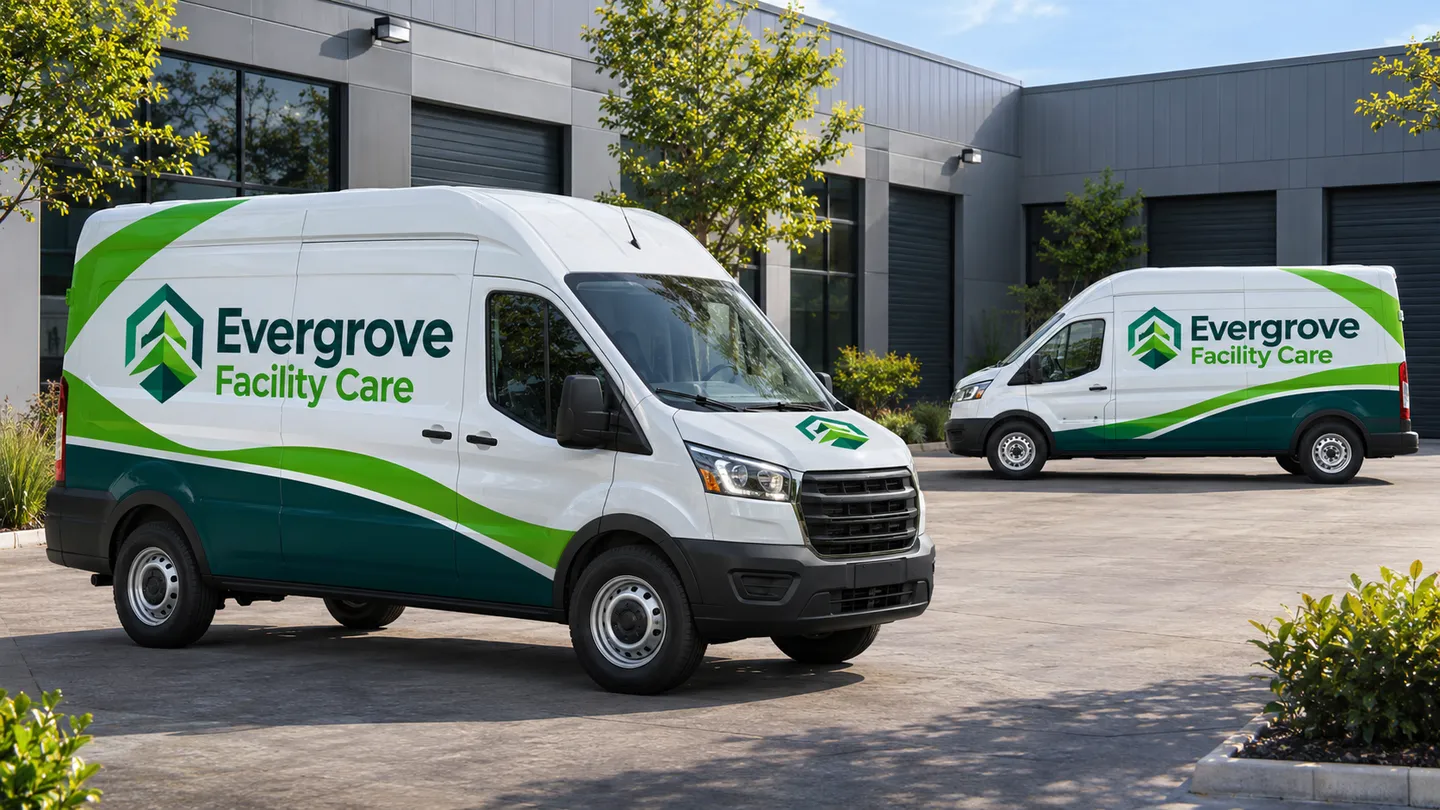
Name the decision behind each version
Use a reference containing the campaign or brand name, vehicle group, revision and approval state. A changed telephone number deserves a new revision even if the design appears unchanged. Keep the business wording in an editable reference that the approver can read without opening production artwork. Record who has authority to approve spelling, contact details, colors and local exceptions. A driver’s comment can identify a problem without becoming permission to change the whole fleet.
- Give wording changes a revision reference.
- Name the business approval role.
- Keep drafts outside the approved-release folder.
Approve the scope as well as the picture
Review which surfaces the proof represents and which it excludes. Identify differences such as a rear window, accessory rack, body repair or replacement door that affect the specific group. Record the approved artwork reference separately from the production file name; one visual proof may require several body-specific production files. Ask how the supplier records the connection between those files and the approved version so the next reprint starts from an identifiable source.
- Verify vehicle group and coverage on the proof.
- Record any local wording exception.
- Connect the proof to its production release reference.
Retire an old version without losing its history
Move superseded files into an archive clearly marked as retired and remove them from everyday ordering shortcuts. Keep their references in completed unit records so earlier installations remain explainable. When a change arrives during production, identify affected units and ask what has already been printed or installed. Update the tracker only after that answer. A global filename replacement can hide real work in progress and make a partial transition look more complete than it is.
- Keep the superseded revision in historical records.
- Review work already released before changing files.
- Notify every person who can request a repeat order.
Keep a working record
Before you approve the next step
- Choose a readable revision naming rule.
- Identify the authorized brand approver.
- Keep wording beside the proof reference.
- List body-specific production file references.
- Archive retired artwork away from ordering files.
- Record the units affected by every change.
Use the free planning tool to organize the details you can confirm and the questions still open.
Four questions before the next step
Can one approved proof cover every van?
Only if the proposed group and its differences have been reviewed. Record which configurations the approval covers and which require their own adaptation.
Read the detailed guide: Keep old, proposed and approved artwork versions separate
What belongs in a reprint request?
Supply the unit ID, installed revision, affected panel and current approval reference. Ask the producer to confirm the source file and material before releasing the remake.
Read the detailed guide: Keep old, proposed and approved artwork versions separate
Should matching vehicles be audited as one group?
They can share a proposed design group, but verify each unit’s installed identity and condition. Identical model names do not prove that the graphics, repairs or contact details are identical.
Read the detailed guide: Audit old fleet graphics before approving replacements
Does the audit approve removal?
No. It supplies evidence for the removal discussion. Keep any supplier assessment, agreed exclusions and condition record as separate documents connected to the unit.
Read the detailed guide: Audit old fleet graphics before approving replacements
Original technical sources
Use the linked publisher's current instructions for the exact product and vehicle. This planning guide does not replace its application, safety or warranty requirements.